Why is it interesting?
Kling AI can be used to create video from text and video from images, so you can start from an idea or an already created character image.
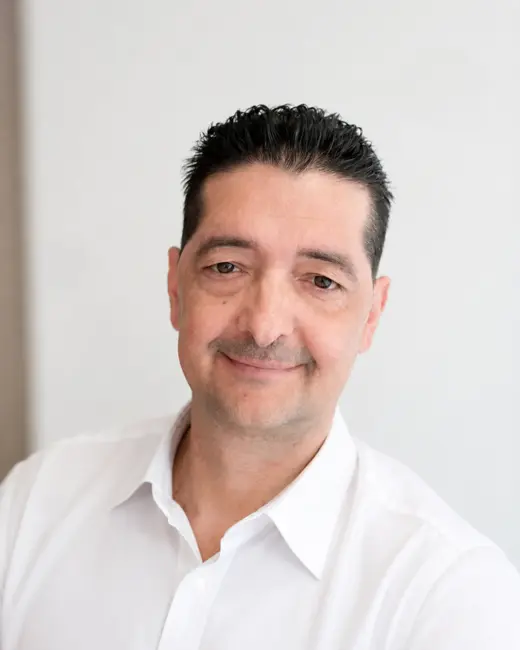
A high-quality starting image gives the system a more detailed face, clothes and environment, which helps a lot with the film-like final result.
In the newer Kling video workflows, character retention has become stronger, so a reference photo or several views can help to carry the same actor forward more recognizably.
This does not mean that the identity of the character is flawless in every scene, so the generated face, hands and clothing details must still be checked.
The lip-sync function adjusts the mouth movement to speech or singing, which can be particularly spectacular with speaking characters and music clips.
The text-to-video mode gives more freedom for new scenes, while the picture-to-video mode tends to keep the pre-established visual character better.
Kling is capable of a highly detailed visual world built with strong lights and camera movement, but for the best results, it is worth requesting short and clear scenes.
It is advisable to prepare multi-scene stories in separate clips and then cut them exactly to music in CapCut or DaVinci Resolve.
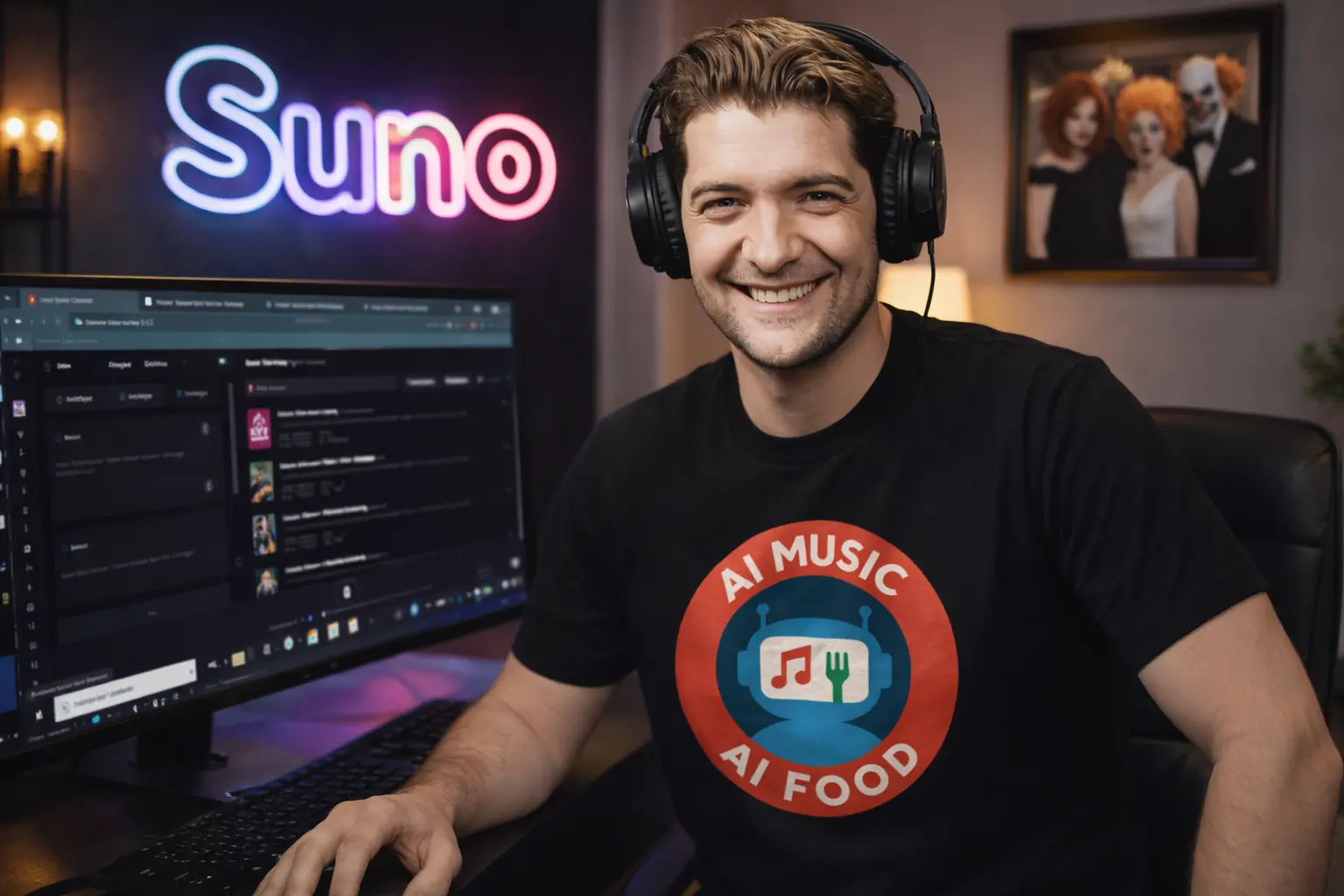
For AI MUSIC AI FOOD clips, recurring characters, concert movement, and bringing painting-like characters to life are all tasks where Kling's strengths can be put to good use.
Simple steps to get started
- Choose a clean, well-lit and simple character image.
- Describe only one main action and one camera movement per scene.
- If the character is important, use the same reference material for related scenes.
- Before lip-syncing, make a clear, noise-free sound and check that the face is clearly visible.
- Generate several short versions, then use only the parts that move naturally.